Import data
Data can be loaded in the upper left part of the main window, where you find a field where the files will be listed, as well as an area for the selection of input formats.
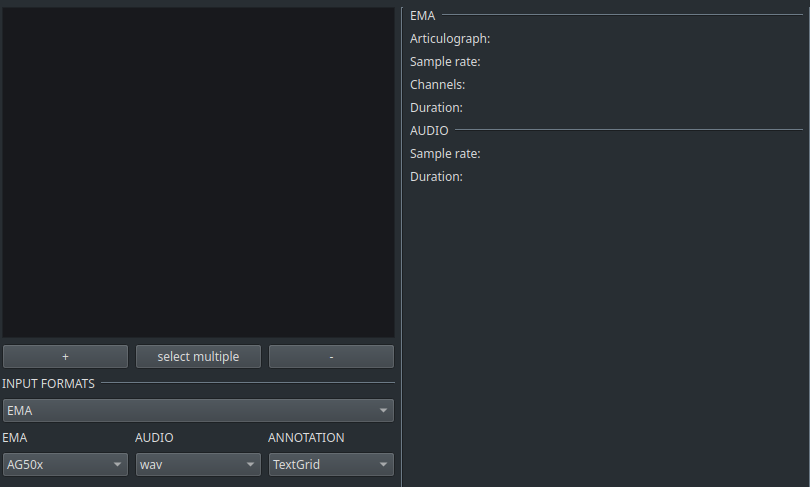
Use the dropdown elements for selecting the appropriate format of your data. ADA support the following file formats at the moment:
- EMA: pos (AG500/AG501), csv, netcdf
- audio: wav, ogg, mp3
- annotation: TextGrid, Json, csv
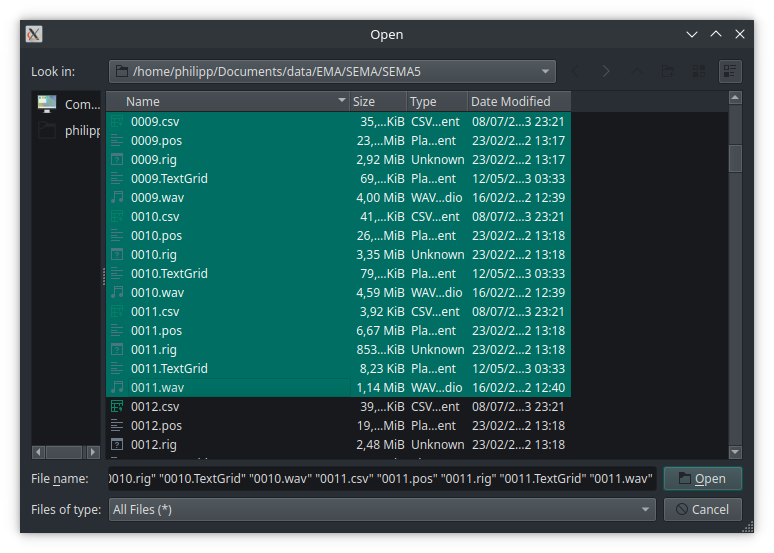
In the next step, click on + to open a window the the file selection.
It is assumed that all EMA, audio, and annotation files are located in the same folder. Furthemore, it is assumed that all files have the same file name.
Select the files you want to load. It is not necessary to select all files: Even if only of file is selected, e.g., a wav file, the corresponding EMA and annotation file with the same file will be loaded automatically.
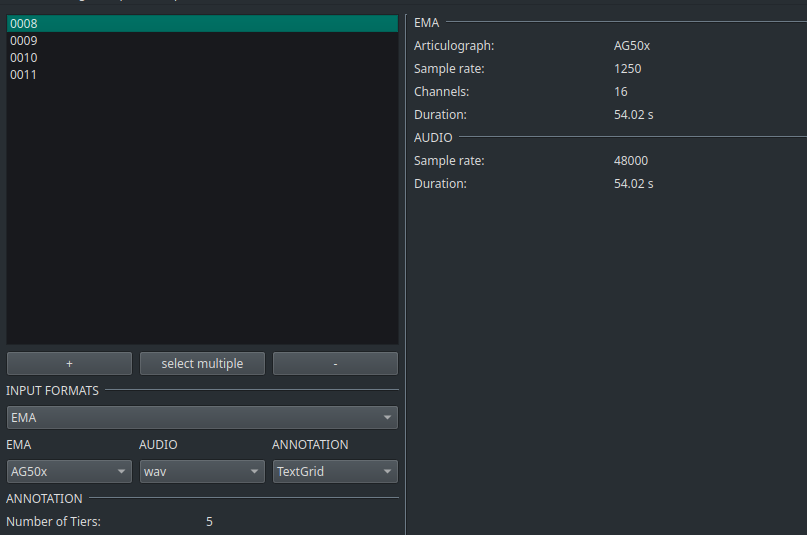
Once loaded, a list of files will appear, denominated by the filename. By clicking on of the filenames, general information will be printed out under EMA, Audio and Annotation. The screenshot below shows an example of data loaded from the AG501 at a sample rate of 1250 Hz, 16 Channels and a duration of 54.02 s. The audio file has a sample rate of 48000 and the same duration and the annotation file had 5 tiers.